
AI-Powered Creative Tools vs Traditional Design Software: Which Wins in 2026?
From AI-Generated Creatives to Classic Design Software: A Practical Comparison of Speed, Control, and Performance
The design landscape is transforming rapidly. AI-powered tools promise to create ads, prototypes, and visuals in minutes - while traditional software demands hours of manual work. But which approach delivers better results? Let's cut through the hype and find out.
1. AI-Powered Creative Tools: The New Generation
1.1 Figma Make: Prototypes from Prompts
Figma Make turns text descriptions into working designs. Type "create a SaaS pricing page" or "design a mobile app for fitness tracking," and watch it generate editable prototypes in minutes.
What it does:
- Generates UI designs from natural language prompts
- Creates interactive prototypes automatically
- Integrates with existing Figma design systems
- Lets you edit AI-generated content directly
Best for: Quick wireframing, rapid prototyping, UI exploration
1.2 Blumpo: AI That Does Your Market Research First
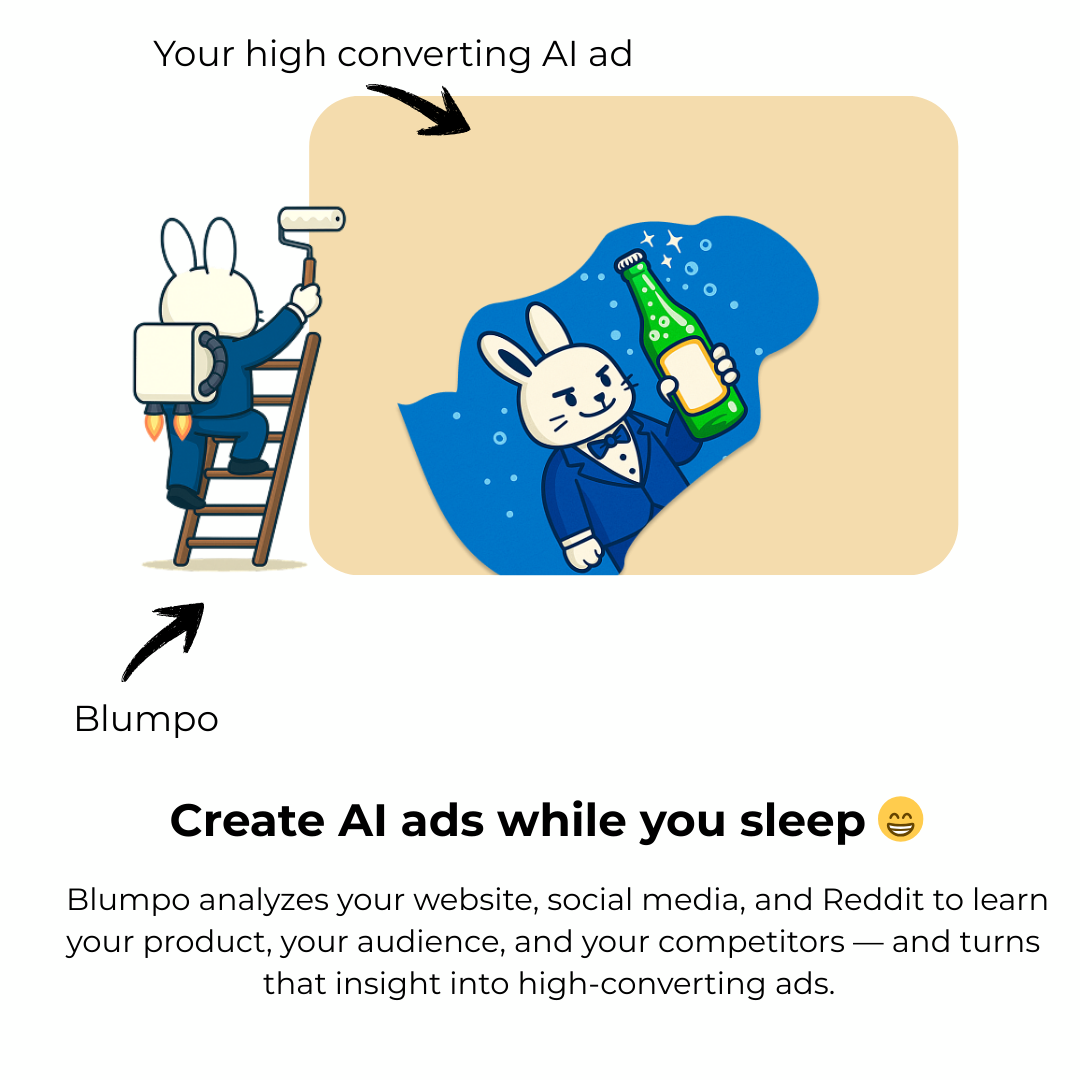
Unlike typical AI design tools that just make things look pretty, Blumpo starts by understanding your customers. It's specifically built for B2B companies that need ads that actually convert.
How it works:
Step 1 - Brand Extraction: Paste your website URL. Blumpo scans your site and automatically extracts your logo, colors, and typography.
Step 2 - Customer Intelligence: Here's the game-changer. Blumpo researches Reddit, Facebook, YouTube, and social media to find real customer conversations. It analyzes what pain points people discuss, what benefits they seek, and how they talk about solutions in your space.
Step 3 - Smart Ad Creation: Using those customer insights, Blumpo generates static ads across multiple proven archetypes - problem-solution formats, testimonials, competitor comparisons, before-and-after stories, and product demonstrations. Each ad uses language your customers actually speak.
Step 4 - Easy Editing: No design skills needed. Pick ads you like, make edits in the simple interface, and Blumpo generates new variations based on your preferences.
Real results: Users report creating 100+ ads monthly (vs. their previous 10), with one marketing head seeing 12% higher ROAS compared to agency-created ads. The tool creates professional B2B ads in 90 seconds for as little as $17/month.
Best for: B2B marketing teams, agencies, startups needing high-volume ad testing. Try it on ⇒ https://blumpo.com/
1.3 Midjourney: Stunning Visuals from Text
Midjourney generates photorealistic images and artwork from text prompts. Its V6 model produces imagery that's often indistinguishable from professional photography.
What it does:
- Creates custom imagery from descriptions
- Generates product mockups and lifestyle photography
- Produces brand illustrations and concept art
- Offers precise control through detailed prompting
Best for: Unique imagery, concept visualization, creative exploration
2. Traditional Design Tools: The Proven Workhorses
2.1 Adobe Photoshop: Industry Standard
Photoshop remains the professional's choice for pixel-perfect control. Three decades of development means it handles virtually any image editing task.
Core strengths:
- Precise control over every pixel
- Professional color correction and retouching
- Advanced layer and masking capabilities
- Universal file format support
- AI features via Adobe Firefly integration
Best for: Final polish, print production, detailed photo editing
2.2 Canva: Accessible Design for Everyone
Canva bridges the gap between professional tools and ease of use. Its template library and drag-and-drop interface make design accessible to non-designers.
Key features:
- Thousands of professional templates
- Brand kit for consistency across designs
- Magic Resize for multi-format adaptation
- AI-powered background removal and text generation
- Extensive stock library
Best for: Social media graphics, presentations, marketing materials for small teams
The Winning Strategy: Use Both Strategically
The smartest approach isn't choosing one over the other - it's knowing when to use each.
Use AI Tools When:
You need speed over perfection → Social posts, A/B test variations, internal presentations
Volume matters → Running 50+ ad variations to find winners while avoiding ad fatigue in your campaigns, creating seasonal campaign assets
You lack design resources → Small teams without dedicated designers, startups with limited budgets
Research informs creativity → B2B campaigns where customer pain points drive messaging across the B2B marketing funnel (Blumpo excels here - https://blumpo.com/)
You're exploring concepts → Early-stage wireframes, brainstorming visual directions, testing ideas
Use Traditional Tools When:
Precision is non-negotiable → Print production, packaging design, brand-critical campaigns
You need technical control → Color-managed workflows, specific file format requirements, exact specifications
Building long-term skills → Developing design expertise, creating portfolio-worthy work
Final polish matters → Refining AI-generated concepts, ensuring pixel-perfect execution
Legal clarity is essential → Work requiring clear copyright ownership and licensing
The Hybrid Workflow That Works:
Sketch concepts on paper (2-5 minutes)
Generate initial designs with AI tools like Figma Make or Blumpo (5-10 minutes)
Review and select strongest directions (10-15 minutes)
Refine in traditional software like Photoshop or Canva for final polish (20-30 minutes)
Create variations using AI for testing (5 minutes)
This approach gives you AI's speed and traditional tools' precision. You get professional results faster than either method alone.
Sources: